
Laptop repair tips and guides
Practical checks you can try yourself, and clear signs it is time to bring the laptop to a technician.
- All guides
- Laptop Repair Tips
- Buying Laptops
- Websites & Business Systems
- School Software
- Clinics & Organisations
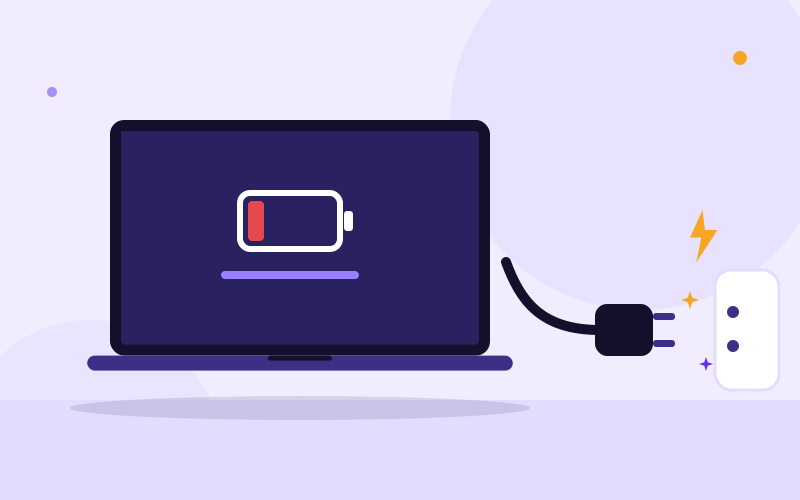
Why Is My Laptop Not Charging When Plugged In?
Laptop plugged in but not charging? Work through the outlet, charger, port, battery and Windows checks in order, and learn when it needs a technician.
Read the guide
Why Is My Laptop Screen Flickering and How Do I Fix It?
Laptop screen flickering or flashing? Find out whether it is a driver, a setting or a failing cable or panel with a simple test, then fix it step by step.
Read the guide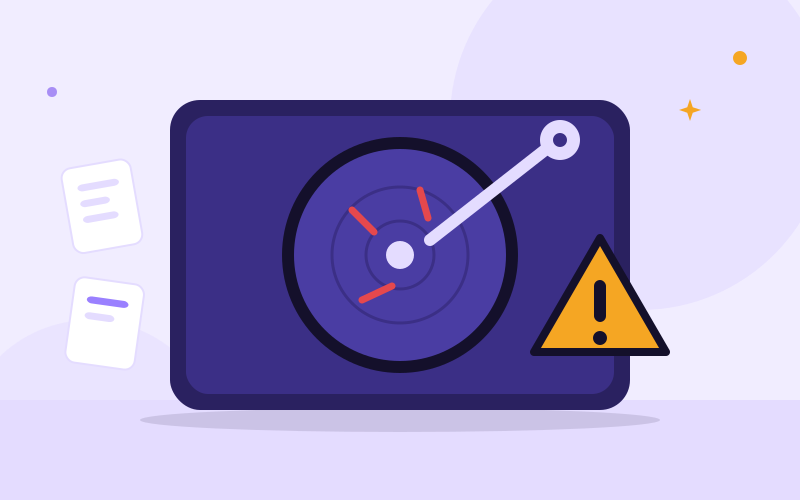
Signs of a Dying Hard Drive (and What to Do Right Away)
Clicking noises, freezes, corrupted files? Learn the signs of a dying hard drive or SSD, how to check its health safely, and how to protect your data.
Read the guide
How to Back Up Your Laptop Before Sending It for Repair
Learn exactly what to back up before a laptop repair, where to save it, how to check it worked, and what to do if your laptop will not start.
Read the guide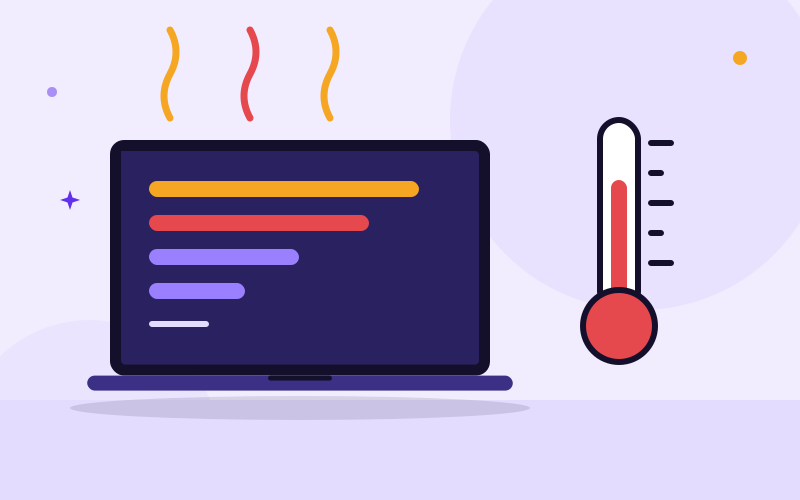
Why Is My Laptop Slow and Overheating? Causes and Fixes
A slow laptop that gets very hot is usually dust, heavy start-up programs, low storage or an old drive. Follow these checks to cool it down and speed it up.
Read the guide
Why Is My Laptop Battery Draining So Fast?
Laptop battery draining fast? Check the battery health report, find the apps and settings eating power, and learn when it is time to replace the battery.
Read the guide
Laptop Won't Turn On: What to Check and How to Fix It
Laptop won't turn on at all? Check the charger, do a power reset, tell a dead laptop from a black screen, and learn when to bring it to a technician.
Read the guide
Laptop Black Screen but the Fan Is Running: What to Do
Laptop powers on and the fan runs but the screen stays black? Try these tested checks: brightness, display reset, power drain, RAM, and external monitor.
Read the guide
Spilled liquid on your laptop? What to do in the first hour
Spilled water, tea or a soft drink on your laptop? Follow these exact steps in the first hour, avoid the common mistakes and know when to call a technician.
Read the guide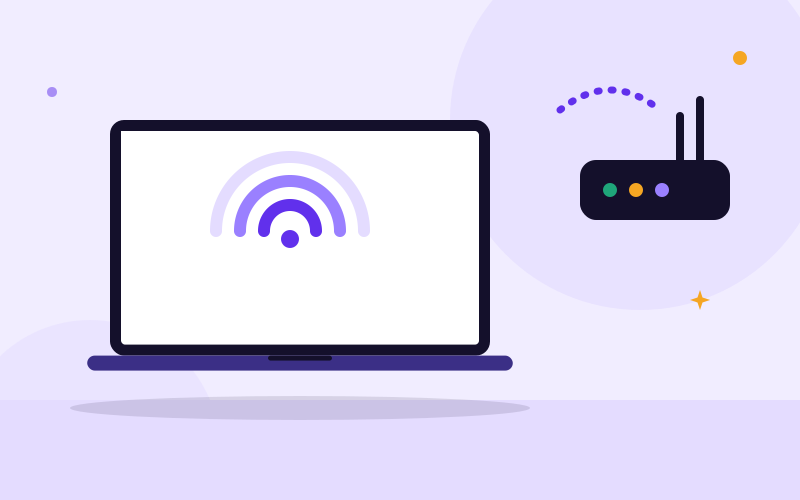
Laptop not connecting to Wi-Fi? 10 fixes, step by step
Laptop will not connect to Wi-Fi, shows no networks or says no internet? Work through these tested Windows 10 and 11 fixes from simplest to advanced.
Read the guide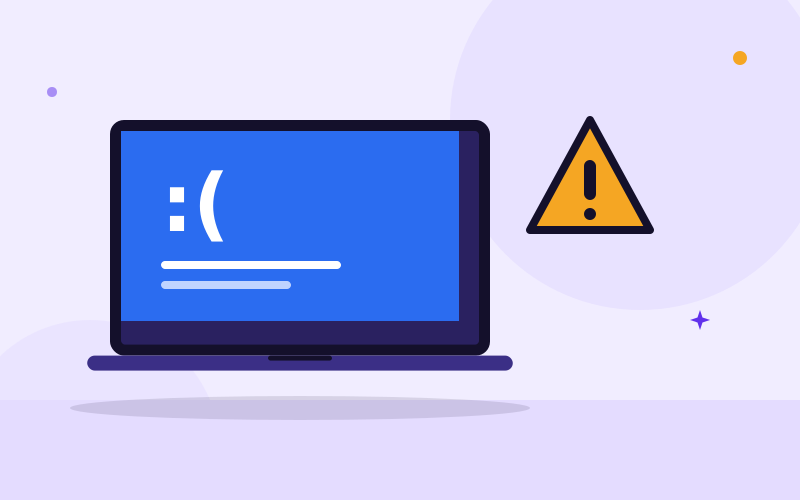
Blue screen of death: what it means and how to fix it
A blue screen means Windows hit an error it could not recover from. Learn how to read the stop code, what to undo, which tests to run and when to get help.
Read the guide
Cracked laptop screen: what to do next
Cracked laptop screen? Learn what to do right now, how to save your files, what a screen replacement involves and when repair is worth it.
Read the guide
Does your laptop have a virus? Signs and what to do
Pop-ups, a slow laptop, a changed homepage? Learn the real signs of malware, how to remove it step by step and how to secure your accounts afterwards.
Read the guide
Why is my laptop fan so loud? Causes and safe cleaning
A loud laptop fan means it is struggling to stay cool. Find the cause, fix software heat, clean the vents safely and know when it needs an internal clean.
Read the guide
Repair or replace your laptop? How to decide
Is your laptop worth repairing or is it time to buy another? Use this practical checklist covering the fault, age, upgrades, security updates and your data.
Read the guide
How to recover deleted files on a laptop
Deleted something by mistake? Check the Recycle Bin, previous versions, Word recovery and cloud trash first, then learn what to do if the files are gone.
Read the guide
Forgot your password? How to get back in safely
Locked out of Windows, Gmail, Facebook, Instagram or WhatsApp? Follow the official recovery steps for each, avoid recovery scams and never get locked out again.
Read the guide
Laptop myths: fact or fiction?
Do you need to drain your battery, can a Mac get viruses, does a bigger drive speed up a laptop? Ten common laptop myths sorted into fact and fiction.
Read the guide
Laptop do's and don'ts: simple habits that save money
The laptop habits that prevent most repairs: backups, charging, heat, cleaning, updates, carrying and warning signs, with steps you can do this week.
Read the guide
Fix it yourself or call a technician? How to decide with a laptop problem
Which laptop problems you can safely fix yourself, which need a technician, and how to tell the difference before you make things worse or waste money.
Read the guide
How to install drivers and software safely on Windows
Where to download drivers and apps, how to avoid bundled junk and malware, how to roll back a bad driver and what to do when an install fails.
Read the guide
How to factory reset a laptop safely (Windows 10 and 11)
Factory reset a Windows laptop without losing what matters: back up first, choose keep files or remove everything, and wipe it properly before you sell it.
Read the guide
External hard drive or flash drive not detected: how to fix it
Windows not showing your external hard drive or flash drive? Follow these safe steps, from cable and port checks to Disk Management, and know when to stop.
Read the guide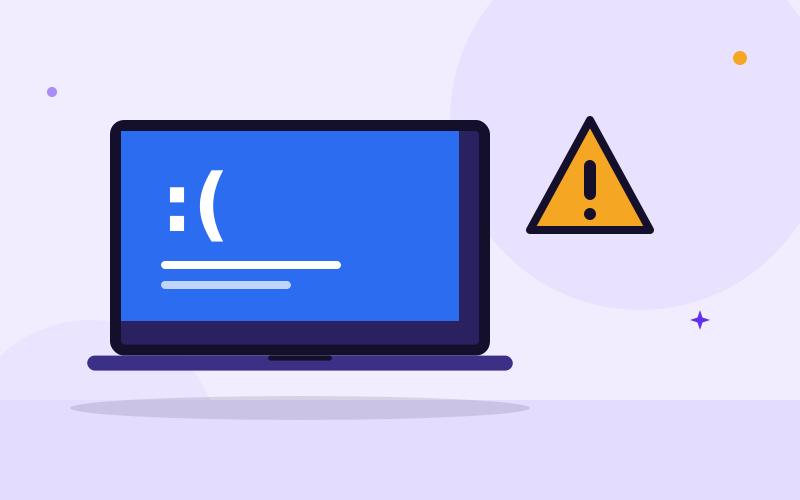
Windows won't start: how to fix boot problems step by step
Laptop stuck on a logo, boot loop or error like 'Operating system not found'? Use Startup Repair, Safe Mode and recovery tools, and protect your files first.
Read the guide
How to clean a laptop safely: screen, keyboard, ports and vents
Clean your laptop screen, keyboard, ports and vents without damaging it. The right tools, products to avoid, spill basics and a simple cleaning schedule.
Read the guideNeed help with this?
Message us on WhatsApp and a real person will answer.