
Technology guides you can rely on
Clear answers about laptops, websites, business systems and school software, from the people who fix and build them.
 Most read
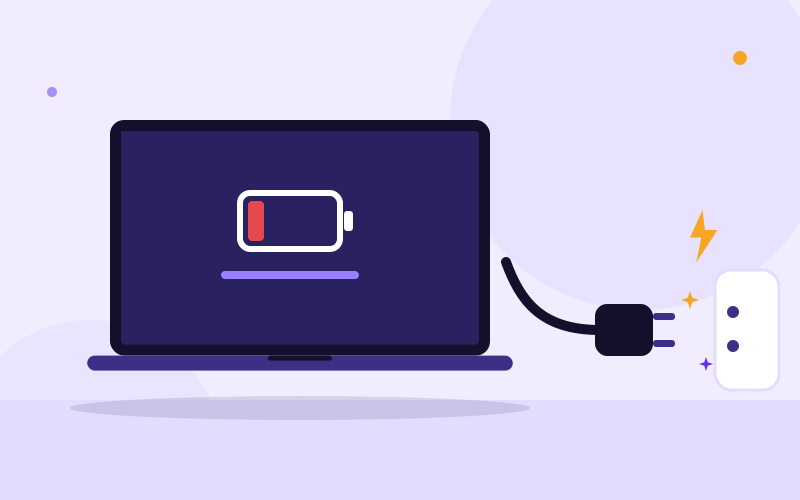
Why Is My Laptop Not Charging When Plugged In?
A laptop that will not charge is usually caused by a faulty outlet or extension, a worn charger, a loose or damaged charging port, a tired battery, or a software setting, and you can test each of these at home in about fifteen minutes. This guide walks through the checks in the right order, shows the Windows fixes that work, and tells you honestly when the problem is a repair job.
Read the guideNo guides match that search. Try a different word, or message us and we will help.

Why Is My Laptop Screen Flickering and How Do I Fix It?
Laptop screen flickering or flashing? Find out whether it is a driver, a setting or a failing cable or panel with a simple test, then fix it step by step.
Read the guide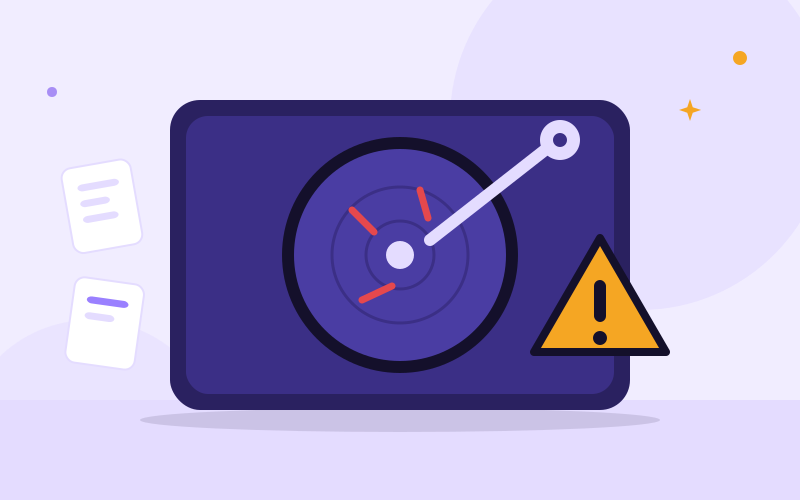
Signs of a Dying Hard Drive (and What to Do Right Away)
Clicking noises, freezes, corrupted files? Learn the signs of a dying hard drive or SSD, how to check its health safely, and how to protect your data.
Read the guide
How to Back Up Your Laptop Before Sending It for Repair
Learn exactly what to back up before a laptop repair, where to save it, how to check it worked, and what to do if your laptop will not start.
Read the guide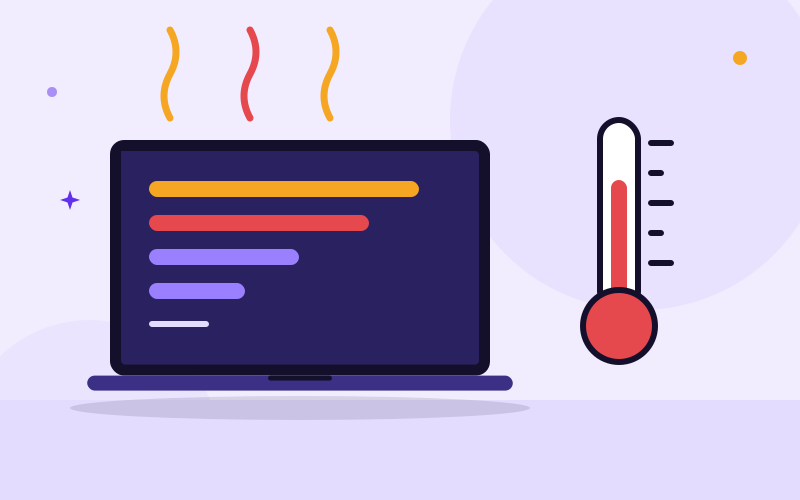
Why Is My Laptop Slow and Overheating? Causes and Fixes
A slow laptop that gets very hot is usually dust, heavy start-up programs, low storage or an old drive. Follow these checks to cool it down and speed it up.
Read the guide
Why Is My Laptop Battery Draining So Fast?
Laptop battery draining fast? Check the battery health report, find the apps and settings eating power, and learn when it is time to replace the battery.
Read the guide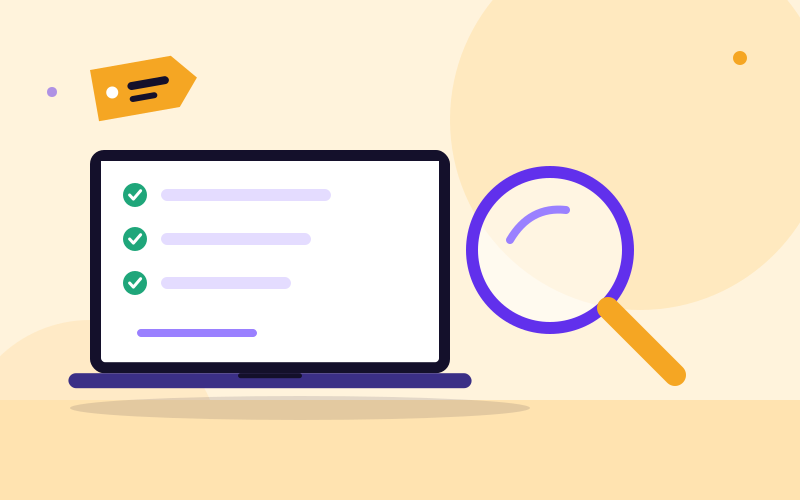
How to check a used or UK-used laptop before you buy it
A 12-step checklist for buying a used or tokunbo laptop in Nigeria: the exact tests to run, what to ask the seller, red flags and how to pay safely.
Read the guide
Do I need a website if I already have Instagram or WhatsApp?
Social media helps people discover you; a website helps them trust you and find you on Google. See what each does and how to decide what your business needs.
Read the guide
What affects the cost of a website in Nigeria?
Why website quotes in Nigeria differ so much: the real cost drivers, what is usually missing from cheap quotes and how to compare quotes fairly.
Read the guide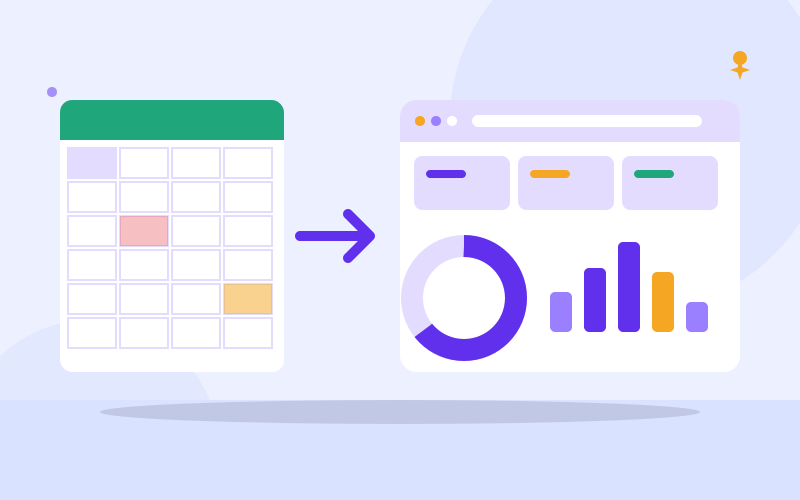
When should you move from spreadsheets to a business system?
Spreadsheets work until they do not. See the warning signs, a self-check, how to prepare your data and how to switch to a business system safely.
Read the guide
What a school management system should do: a checklist for schools
Choosing school software in Nigeria? Use this checklist of must-have features, vendor questions and a rollout plan to pick a system that fits your school.
Read the guide
Laptop Won't Turn On: What to Check and How to Fix It
Laptop won't turn on at all? Check the charger, do a power reset, tell a dead laptop from a black screen, and learn when to bring it to a technician.
Read the guide
Laptop Black Screen but the Fan Is Running: What to Do
Laptop powers on and the fan runs but the screen stays black? Try these tested checks: brightness, display reset, power drain, RAM, and external monitor.
Read the guide
Spilled liquid on your laptop? What to do in the first hour
Spilled water, tea or a soft drink on your laptop? Follow these exact steps in the first hour, avoid the common mistakes and know when to call a technician.
Read the guide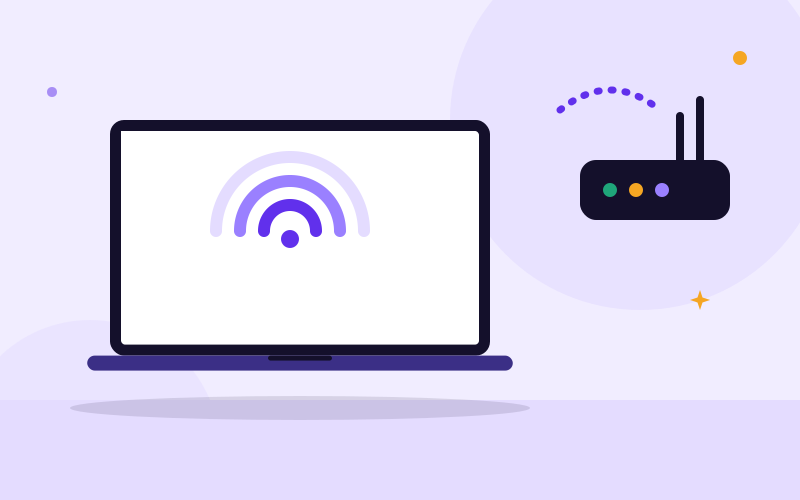
Laptop not connecting to Wi-Fi? 10 fixes, step by step
Laptop will not connect to Wi-Fi, shows no networks or says no internet? Work through these tested Windows 10 and 11 fixes from simplest to advanced.
Read the guide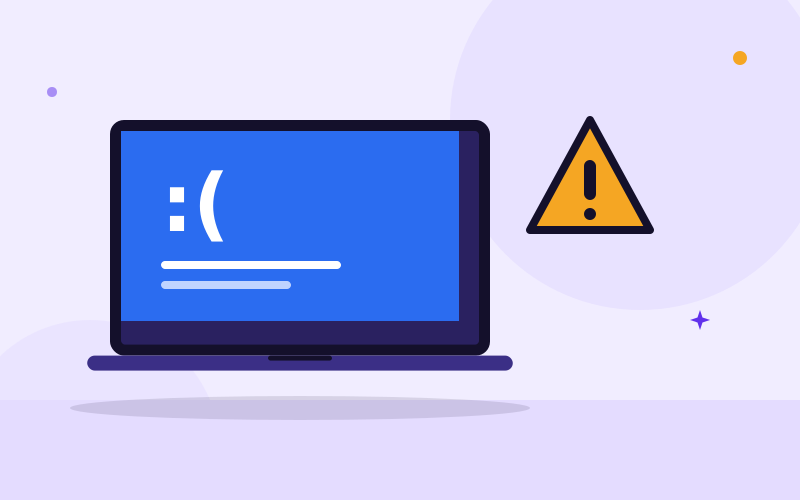
Blue screen of death: what it means and how to fix it
A blue screen means Windows hit an error it could not recover from. Learn how to read the stop code, what to undo, which tests to run and when to get help.
Read the guide
Cracked laptop screen: what to do next
Cracked laptop screen? Learn what to do right now, how to save your files, what a screen replacement involves and when repair is worth it.
Read the guide
Does your laptop have a virus? Signs and what to do
Pop-ups, a slow laptop, a changed homepage? Learn the real signs of malware, how to remove it step by step and how to secure your accounts afterwards.
Read the guide
Why is my laptop fan so loud? Causes and safe cleaning
A loud laptop fan means it is struggling to stay cool. Find the cause, fix software heat, clean the vents safely and know when it needs an internal clean.
Read the guide
Repair or replace your laptop? How to decide
Is your laptop worth repairing or is it time to buy another? Use this practical checklist covering the fault, age, upgrades, security updates and your data.
Read the guide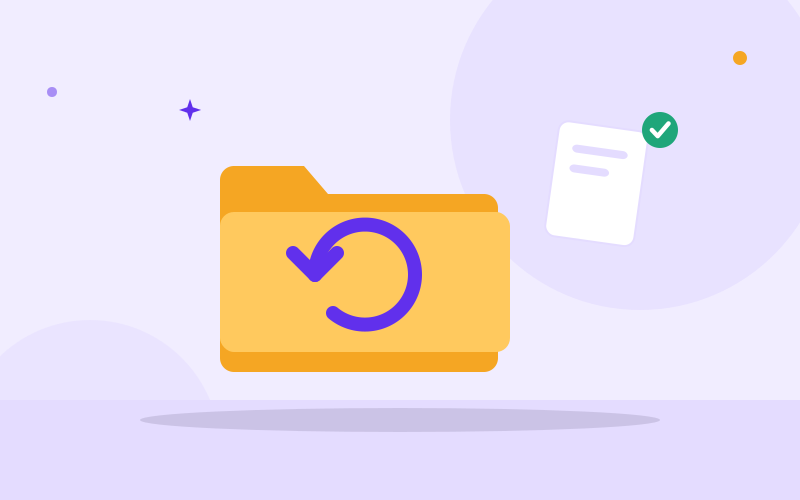
How to recover deleted files on a laptop
Deleted something by mistake? Check the Recycle Bin, previous versions, Word recovery and cloud trash first, then learn what to do if the files are gone.
Read the guide
HDD vs SSD: which is better for your laptop?
An SSD is faster, quieter and tougher than a hard drive. See how to check which you have, what size to choose and how an SSD upgrade works step by step.
Read the guide
How much RAM do you need in a laptop?
Find out whether 4GB, 8GB, 16GB or 32GB of RAM is right for you, how to check if you are running out and how to upgrade the memory in your laptop.
Read the guide
How to choose a laptop for school or university
Choosing a student laptop in Nigeria: the processor, RAM, SSD, battery and screen you need, how to match it to your course and mistakes to avoid.
Read the guide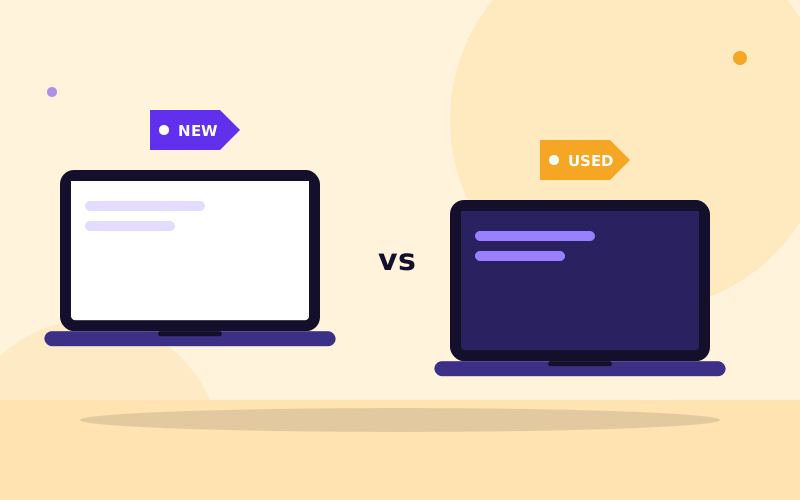
New vs used laptops: which should you buy?
Compare new and used laptops on cost, warranty, performance and risk. See which suits your budget and how to avoid fake or worn-out units in Nigeria.
Read the guide
How to choose a web designer in Nigeria: what to check before you pay
How to choose a web designer in Nigeria: what to ask, how to judge past work, what a contract should say and the warning signs to avoid before you pay.
Read the guide
Website SEO basics for small businesses: a step-by-step guide
Simple website SEO steps for small businesses: page titles, useful content, mobile speed, Google Business Profile, Search Console and links, with a checklist.
Read the guide
Domain name and web hosting explained for beginners
What a domain name is, what web hosting does, how DNS connects them, how to register and renew safely, and what to check before you buy either.
Read the guide
Why is my website slow? Causes and step-by-step fixes
Find out why your website is slow and how to fix it: testing tools, image compression, caching, plugins, hosting, fonts and scripts, in a practical order.
Read the guide
Website security and backups: how to protect your site and recover fast
How to back up your website (files and database), secure logins, keep software updated and recover after a hack. A practical checklist for business owners.
Read the guide
Should you move from WordPress to a custom website? How to decide and how to move
Should you move from WordPress to a custom website? See the signs, the options, the costs and how to migrate without losing content, links or Google rankings.
Read the guide
Inventory management for small businesses
Learn how to track stock properly: what to record, how to count, set reorder levels, cut losses and know when to move from notebooks to a stock system.
Read the guide
What is a CRM and does your small business need one?
A CRM keeps customer details, conversations and follow-ups in one place. Learn what it does, whether you need one, what to track and how to start simply.
Read the guide
How to accept online payments on your website in Nigeria
Step-by-step guide to accepting online payments on a Nigerian website: choosing a gateway, requirements, checkout flow, testing, refunds and reconciliation.
Read the guide
Google Business Profile: how to set it up properly
Set up your free Google Business Profile step by step: create or claim it, verify it, fill in every section, get reviews and fix common problems.
Read the guide
School fees management: moving beyond paper receipts
How to manage school fees digitally: fee structures, receipts, reminders, online payment, reconciliation and a safe switch from paper fee books.
Read the guide
CBT exams for schools: benefits, requirements and how to start
How to run computer-based tests in your school: equipment, power, question banks, security, invigilation and a staged plan from class quiz to full exam.
Read the guide
Parent portals: why modern schools offer them and how to set one up
What a parent portal does, what it should include, how to protect children's data and how to get parents to actually use it. A practical guide for schools.
Read the guide
What a clinic management system should do: a buyer's checklist
Choosing software for a clinic? A checklist of appointments, patient records, billing, pharmacy and privacy features, plus vendor questions and a rollout plan.
Read the guide
Church and ministry management systems: what to look for
Software for churches, ministries and associations: member records, attendance, giving, groups and messaging, with privacy and accountability built in.
Read the guide
Forgot your password? How to get back in safely
Locked out of Windows, Gmail, Facebook, Instagram or WhatsApp? Follow the official recovery steps for each, avoid recovery scams and never get locked out again.
Read the guide
Laptop myths: fact or fiction?
Do you need to drain your battery, can a Mac get viruses, does a bigger drive speed up a laptop? Ten common laptop myths sorted into fact and fiction.
Read the guide
Laptop do's and don'ts: simple habits that save money
The laptop habits that prevent most repairs: backups, charging, heat, cleaning, updates, carrying and warning signs, with steps you can do this week.
Read the guide
Fix it yourself or call a technician? How to decide with a laptop problem
Which laptop problems you can safely fix yourself, which need a technician, and how to tell the difference before you make things worse or waste money.
Read the guide
How to install drivers and software safely on Windows
Where to download drivers and apps, how to avoid bundled junk and malware, how to roll back a bad driver and what to do when an install fails.
Read the guide
Website myths: fact or fiction?
Is a website only for big firms? Is the cheapest quote the best deal? Ten common website myths sorted into fact and fiction, with what to do instead.
Read the guide
School software myths: fact or fiction?
Is school software too expensive, too hard for teachers or unsafe? Eight common myths about school management systems sorted into fact and fiction.
Read the guide
How to factory reset a laptop safely (Windows 10 and 11)
Factory reset a Windows laptop without losing what matters: back up first, choose keep files or remove everything, and wipe it properly before you sell it.
Read the guide
External hard drive or flash drive not detected: how to fix it
Windows not showing your external hard drive or flash drive? Follow these safe steps, from cable and port checks to Disk Management, and know when to stop.
Read the guide
Windows won't start: how to fix boot problems step by step
Laptop stuck on a logo, boot loop or error like 'Operating system not found'? Use Startup Repair, Safe Mode and recovery tools, and protect your files first.
Read the guide
How to clean a laptop safely: screen, keyboard, ports and vents
Clean your laptop screen, keyboard, ports and vents without damaging it. The right tools, products to avoid, spill basics and a simple cleaning schedule.
Read the guide
Refurbished laptops: what it really means (and what to ask before you buy)
Refurbished, used or new? Learn what a proper refurbishment includes, how grading works, the questions to ask, warranty basics and the red flags to avoid.
Read the guide
How to choose the right laptop charger or battery (and avoid fakes)
Buy the right laptop charger or battery first time: read the label, match voltage, watts and connector, tell genuine from poor copies, and spot unsafe ones.
Read the guide
How to back up a website (files, database and restore test)
Learn how to back up a website properly: files and database, cPanel and WordPress methods, the 3-2-1 rule, how often to back up and how to test a restore.
Read the guide
What pages should a business website have? A page-by-page guide
Find out which pages every business website needs, what each page must contain, how to build for mobile and calls to action, with examples by business type.
Read the guide
Website maintenance: what it involves and a monthly checklist
What website maintenance includes: updates, backups, security, uptime, speed, content, SEO checks and renewals, plus a monthly checklist and DIY vs support.
Read the guide
How to choose business management software: a practical guide
How to choose business management software: define your needs, compare off-the-shelf and custom, ask vendors the right questions and avoid common mistakes.
Read the guide
Digital report cards and result processing: how it works and how to set it up
How digital result processing works: grading scales, templates, score entry, moderation, parent access, fee-gating policy, security and errors to avoid.
Read the guide
Appointment booking systems for clinics: how they work and how to roll one out
How an appointment booking system for a clinic works: booking flow, reminders, no-shows, walk-ins, doctor schedules, patient privacy, billing links and rollout.
Read the guideFind what you need
Laptop Repair Tips
Practical checks you can try yourself, and clear signs it is time to bring the laptop to a technician.
25 guidesBuying Laptops
Know what to check before you pay, so you buy a laptop that lasts.
7 guidesWebsites & Business Systems
Straight answers for business owners who want a website that does real work.
18 guidesSchool Software
Help for school owners choosing software for fees, results and records.
6 guidesClinics & Organisations
What a management system should do for your clinic, church or organisation, and how to choose one.
3 guidesHave a question we have not covered?
Ask us on WhatsApp. We turn common questions into new guides.