
Laptop Motherboard Repair
Laptop completely dead, not showing a display, or restarting by itself? We diagnose the motherboard and tell you honestly whether a repair is worthwhile.
- Diagnosis first
- Quote before work
- In-house repairs
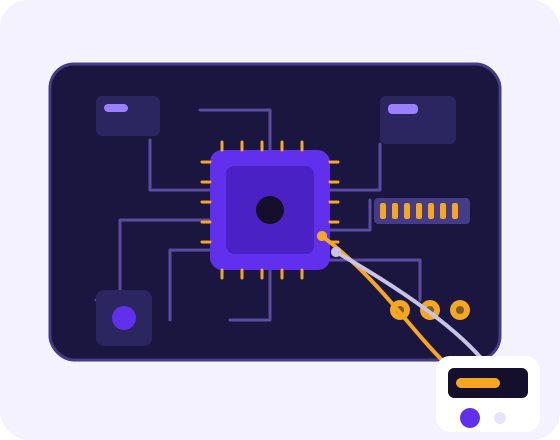
Does this sound like your laptop?
- No power at all, even with a known good charger
- Powers on but nothing appears on the screen
- Shuts down or restarts randomly
- Overheats quickly
- Stopped working after a liquid spill or power surge
- Charging light is on but it won't start
- USB, HDMI or charging port stopped working
Not sure? Message us or bring it to our office and we'll diagnose it.
What happens when you bring it in
Diagnose
We check the charger, battery, RAM and storage first, then test power and charging circuits on the board.
Find the fault
We identify what has failed, such as a power or charging circuit, a damaged port or a component that has burnt out.
Honest quote
We tell you whether repair or replacement makes sense, and when a repair isn't worth the cost, we say so.
Repair and test
After the repair we run the laptop under load and check temperatures before returning it.
Motherboard repair: common questions
Will I lose my files?
Your files are stored on the drive, not on the motherboard, so a board fault doesn't normally affect them. If the board can't be repaired, we can usually still recover your files. See our data recovery service.
How do I know it's the motherboard?
Many “dead laptop” cases turn out to be a faulty charger, battery or RAM, which are cheaper to fix. We rule those out first.
Can overheating damage the motherboard?
Yes. Long-term overheating can damage components and solder joints. If your laptop gets very hot or shuts down under load, get it checked. Cleaning the fan and renewing thermal paste often helps and can prevent bigger repairs.
Related repairs
Ready to get it fixed?
Send your laptop model and what's happening. We'll tell you what to expect before you bring it in.